Which Linux Distro to Choose: From Comfort to Chaos

Ganesh Angadi
Which Linux Distro to Choose (Based on Your Sanity Limits)
"Virtualization is a test drive; dual-boot is a road trip; erasing Windows is jumping out of the plane without a parachute."
The Dilemma: Too many options, too many terminal commands, too much potential for 2:00 AM panic
The Objective: Get a Linux environment that matches your hardware and sanity limits
The Golden Rule: Never run a command starting with sudo rm -rf / unless you want a blank screen judging you
Status: Writing from Ubuntu 22.04 LTS (and still loving it)
Step 1: The Installation Method (How Brave Are You?)
Before we even talk about distros, we need to decide how Linux is going to live on your machine. You have three main choices. Choose wisely, because one wrong click can turn your laptop into a very expensive paperweight.
1. Virtualization (The Safety Net)
- ▸Who it's for: People who don't know what they are doing, copy-paste commands blindly from ChatGPT, or just want to try things out without risk.
- ▸The Vibe: Complete safety. If you break it, you just delete the VM and start over.
- ▸The Catch: It is incredibly resource-heavy. If your laptop doesn't have a good amount of RAM (think 16GB or more), running both your host OS (Windows) and guest OS (Linux) simultaneously will make your cooling fan sound like a jet engine.
2. Dual Booting (The Adventurer)
- ▸Who it's for: People who want the maximum performance of a native installation but still need Windows for gaming, proprietary software, or comfort.
- ▸The Vibe: Proud accomplishment. You actually partitioned a disk! You survived the BIOS screen! You are a hacker!
- ▸The Catch: Moderate danger. If you make a mistake on the partition screen, you might delete your Windows bootloader. Still, with a bit of care (and reading the screen twice), it's the absolute sweet spot for performance.
3. The Ultimate Betrayal (The Linus Torvalds Mode)
- ▸Who it's for: The bold, the brave, and the slightly unhinged who want to burn their bridges.
- ▸The Vibe: Wiping Windows completely off the drive. The ultimate power move.
- ▸The Catch: High danger. As you know, just because I fell into that pit doesn't mean I want you to fall in too. Wiping Windows means you are fully committed. There is no "undo" button. If the installation fails, you are in BIOS purgatory with a black screen judging you silently.
Step 2: Choosing Your Distro (Where the Real Fun Begins)
Once you've decided how to install it, you have to choose what to install. Choosing a distro is the worst and best part of the process. One small package conflict or a broken system upgrade, and you will find yourself debugging broken dpkg or pacman packages at 2:00 AM.
Here is the breakdown based on who you are:
1. Linux Mint (The Gentle Beginner)
- ▸Best for: Absolute beginners who want a smooth, familiar experience to learn basic Linux commands without their desktop breaking.
- ▸Why it's great: It looks and feels remarkably like Windows out of the box. It is incredibly stable, handles drivers easily, and has a massive, helpful community.
- ▸Desktop Environment: Cinnamon (clean, customizable, highly familiar) or MATE/XFCE (lightweight).
2. Ubuntu 24.04 LTS (The Standard Coding Cave)
- ▸Best for: Developers who want to turn their machine into a robust, high-performance coding environment.
- ▸Why it's great: Almost every software developer tool, SDK, and package is built and tested for Ubuntu first. If you encounter an error, someone on StackOverflow solved it in 2018. It's the industry standard for a reason.
- ▸Desktop Environment: GNOME (modern, clean, workflows focused on keyboard shortcuts) or KDE Plasma (ultra-customizable, gorgeous).
3. Kali Linux (The Mr. Robot Phase)
- ▸Best for: Cybersecurity enthusiasts and penetration testers.
- ▸Why it's great: It comes pre-packaged with every hacking, network analysis, and security tool you could ever need.
- ▸The Warning: Do not use this as your daily driver or basic learning OS. It runs as root by default in many older versions, has security configurations tailored for offensive work, and is not designed for everyday coding or office productivity.
4. Arch Linux / Black Arch (The Brutalist Rite of Passage)
- ▸Best for: People who want to go brutal and suffer enough to truly learn the OS.
- ▸Why it's great: Arch gives you absolutely nothing out of the box. You install it from a command line. You choose your own bootloader, partition your own disks, configure your own network daemon, and build your GUI from scratch. It is brutal, but you will learn exactly how Linux works under the hood.
- ▸Desktop Environment: Whatever you want, because you have to install it yourself anyway!
5. Debian / Fedora (The 'Zero Drama' Professionals)
- ▸Best for: Those who want stability and clean, upstream packages with minimal configurations out of the box.
- ▸Why they are great: Debian is the bedrock of stability (it's what Ubuntu is built on). Fedora is Linus Torvalds' personal choice, offering bleeding-edge packages but with a highly stable, polished experience.
- ▸Desktop Environment: GNOME (default on Fedora), or any major DE you select.
Understanding Desktop Environments (Customizing Your Experience)
In the Windows or macOS world, you are stuck with whatever interface they give you. In Linux, the interface is completely decoupled from the operating system. These are called Desktop Environments (DEs), and they dictate how your system looks, feels, and moves:
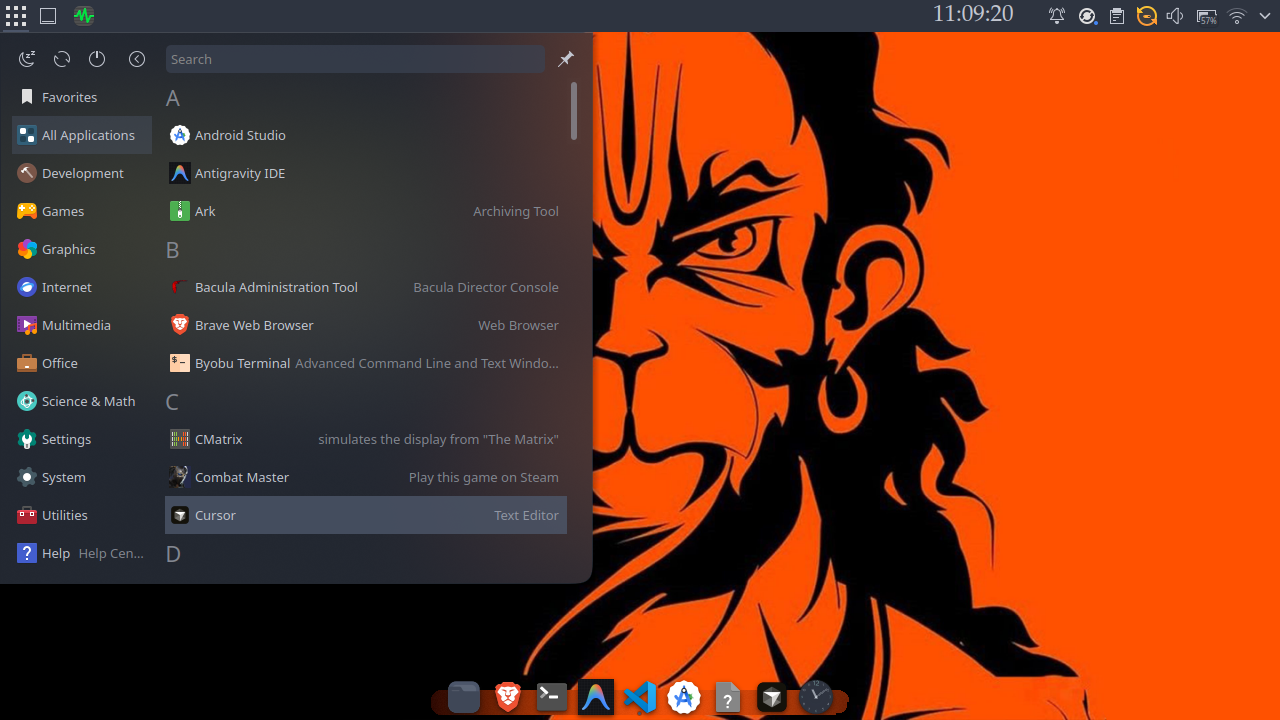
- ▸KDE Plasma: The chameleon. It can look like Windows, macOS, or a sci-fi spaceship dashboard. It is incredibly lightweight despite having gorgeous animations and widgets.
- ▸GNOME: Minimalist and modern. It uses a clean workspace design that keeps you focused on your work. Very keyboard-shortcut friendly.
- ▸XFCE / LXQt: Ultra-lightweight. Perfect if you have an older machine with low RAM and want to make it feel brand new.
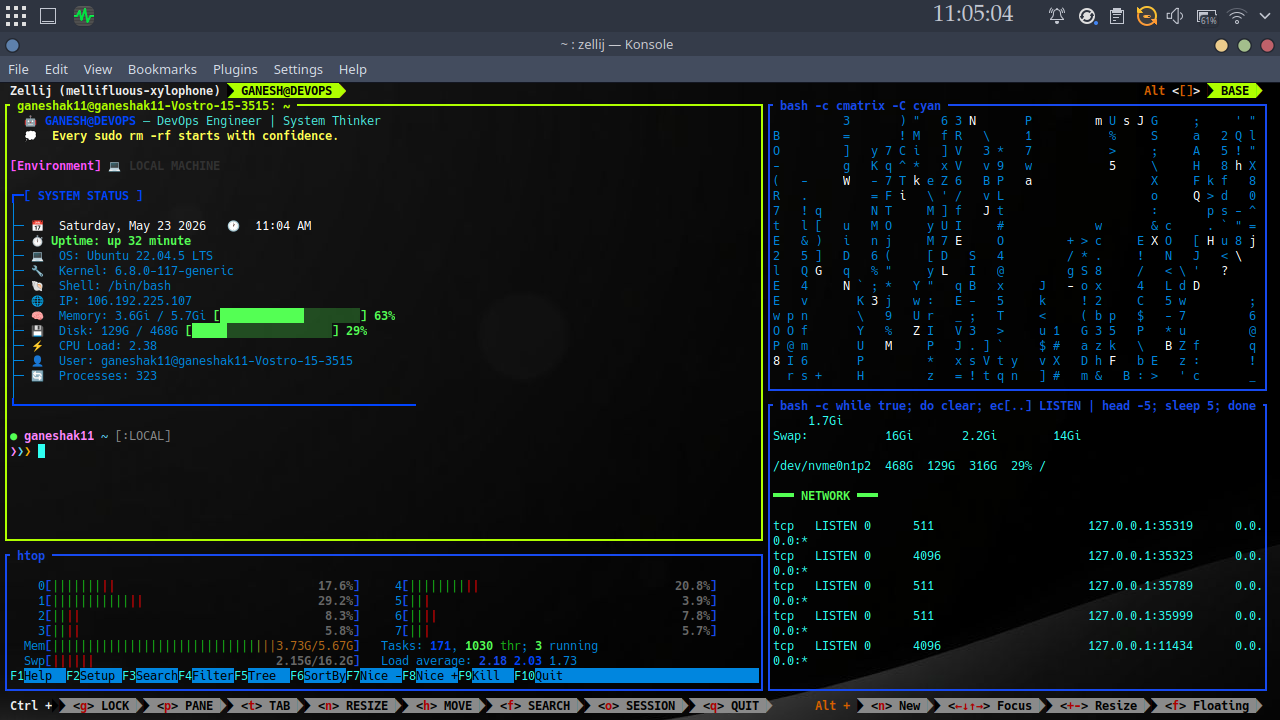
My Personal Rig (The Daily Driver)
I'm currently running a setup that I will defend to the end of time.
$ neofetch --desktop
OS: Ubuntu 22.04.5 LTS
Desktop Environment: KDE Plasma (Kubuntu style)
Display Server: X11
Customization Level: Absolute
Sanity Level: Restored
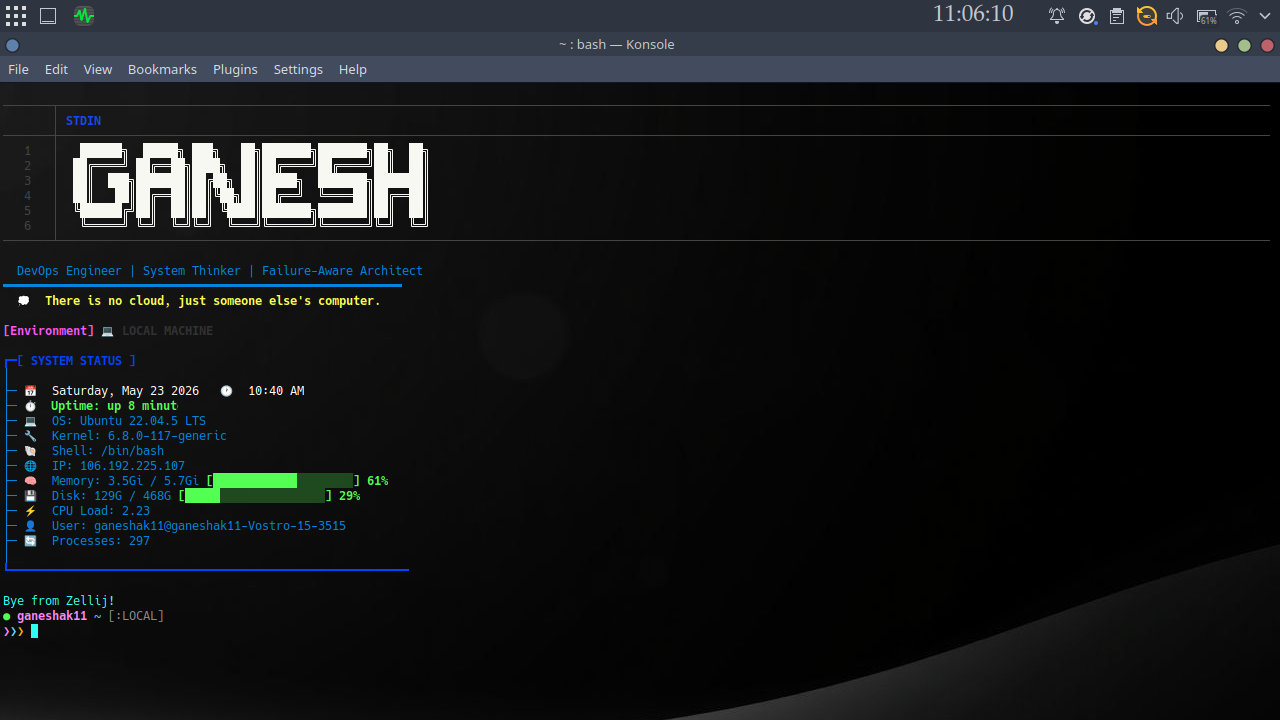
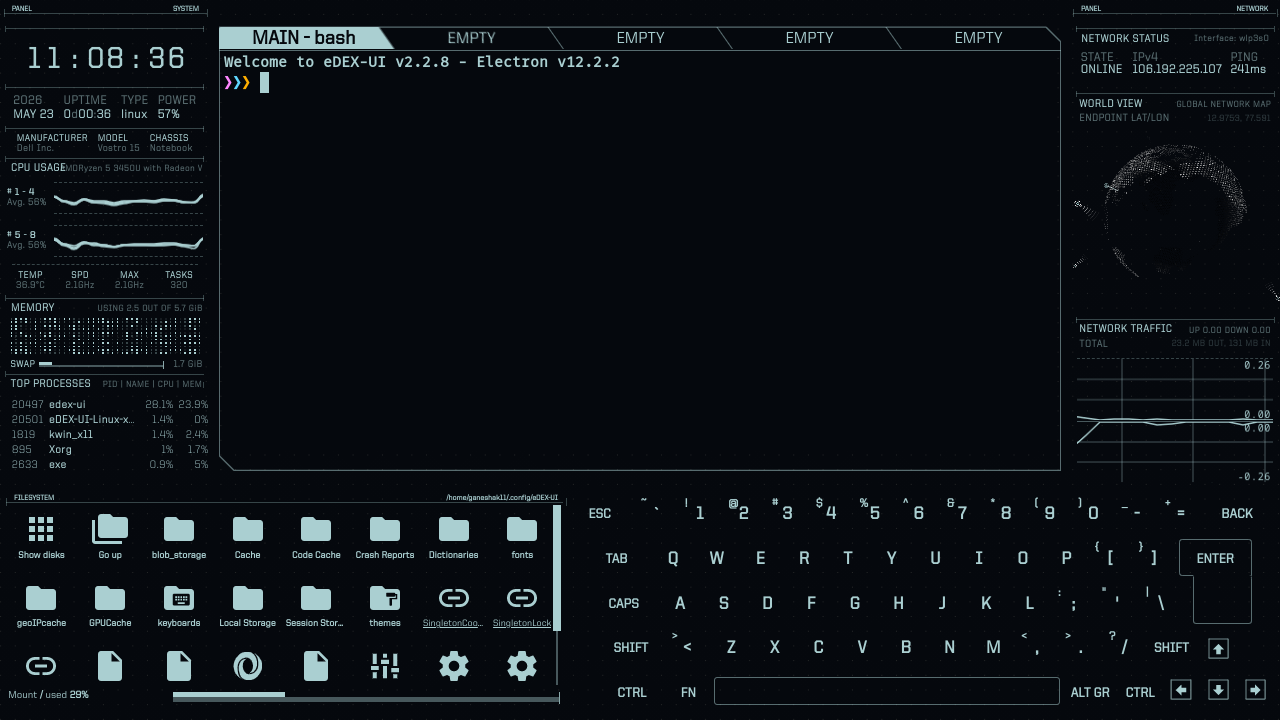
I chose Ubuntu 22.04 LTS for its rock-solid development environment, but I replaced the default GNOME shell with KDE Plasma running on X11. It gives me the perfect mix of stability for my DevOps and systems projects, combined with endless customizability and gorgeous layout configs.
The Verdict: What Should You Choose?
Here is a simple cheat sheet to save your sanity:
- ▸If your laptop is a beast (16GB+ RAM): Download VirtualBox, install Linux Mint, and learn the ropes safely.
- ▸If you have an older or mid-range laptop: Set up a dual-boot with Ubuntu 24.04 LTS or Linux Mint. Just... read the partition manager screen carefully.
- ▸If you want to understand Linux in your bones: Dual-boot Arch Linux and prepare to lose sleep.
- ▸If you just want to build things and deploy code: Ubuntu LTS or Fedora is your home.
Whichever path you choose, remember: breaking your system is part of the learning curve. The best Linux users aren't the ones who never broke their OS—they are the ones who survived the 2:00 AM package rebuilds to tell the story.
— Ganesh Angadi
DevOps Engineer · System Thinker